See the inbox
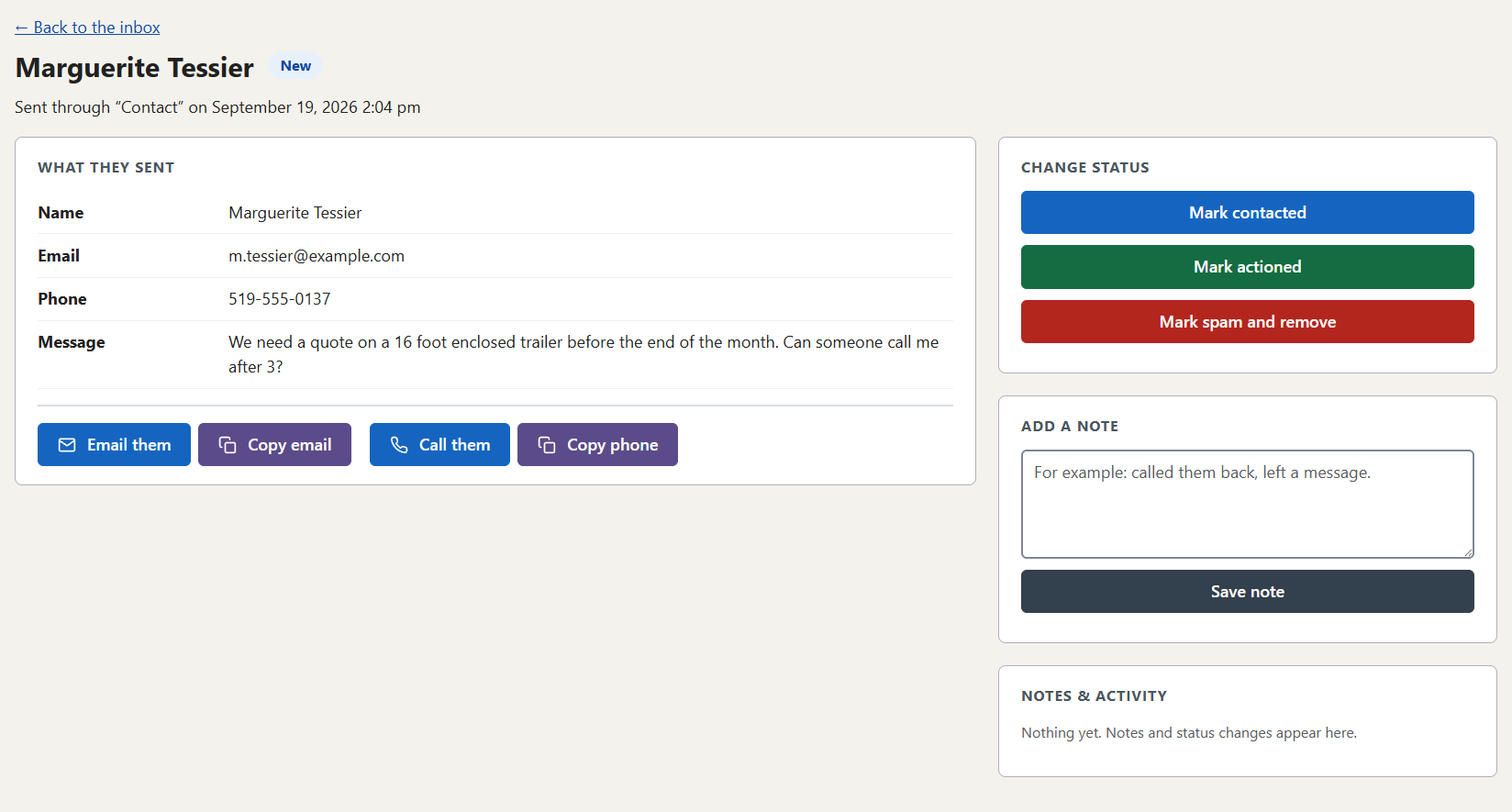
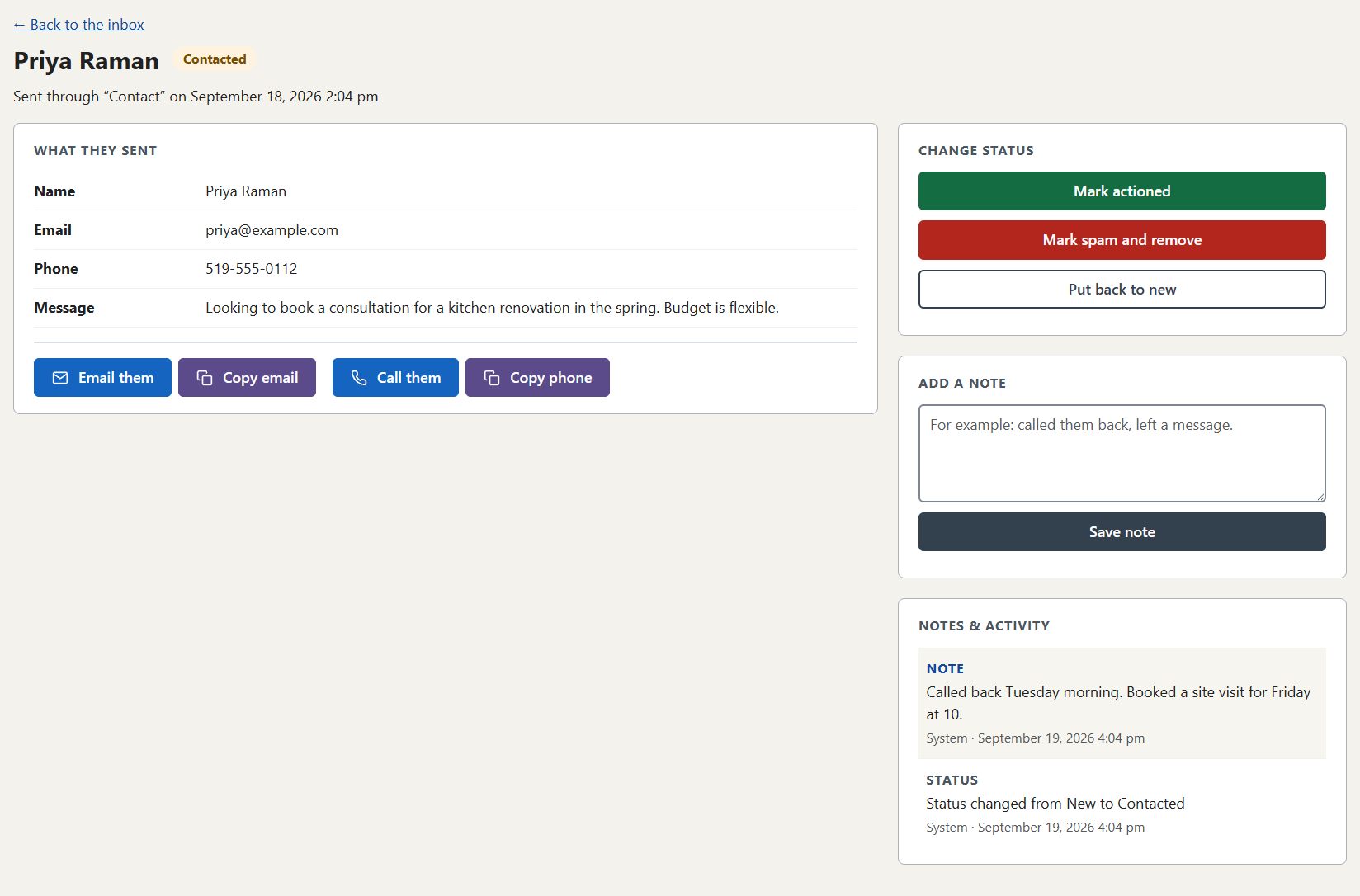
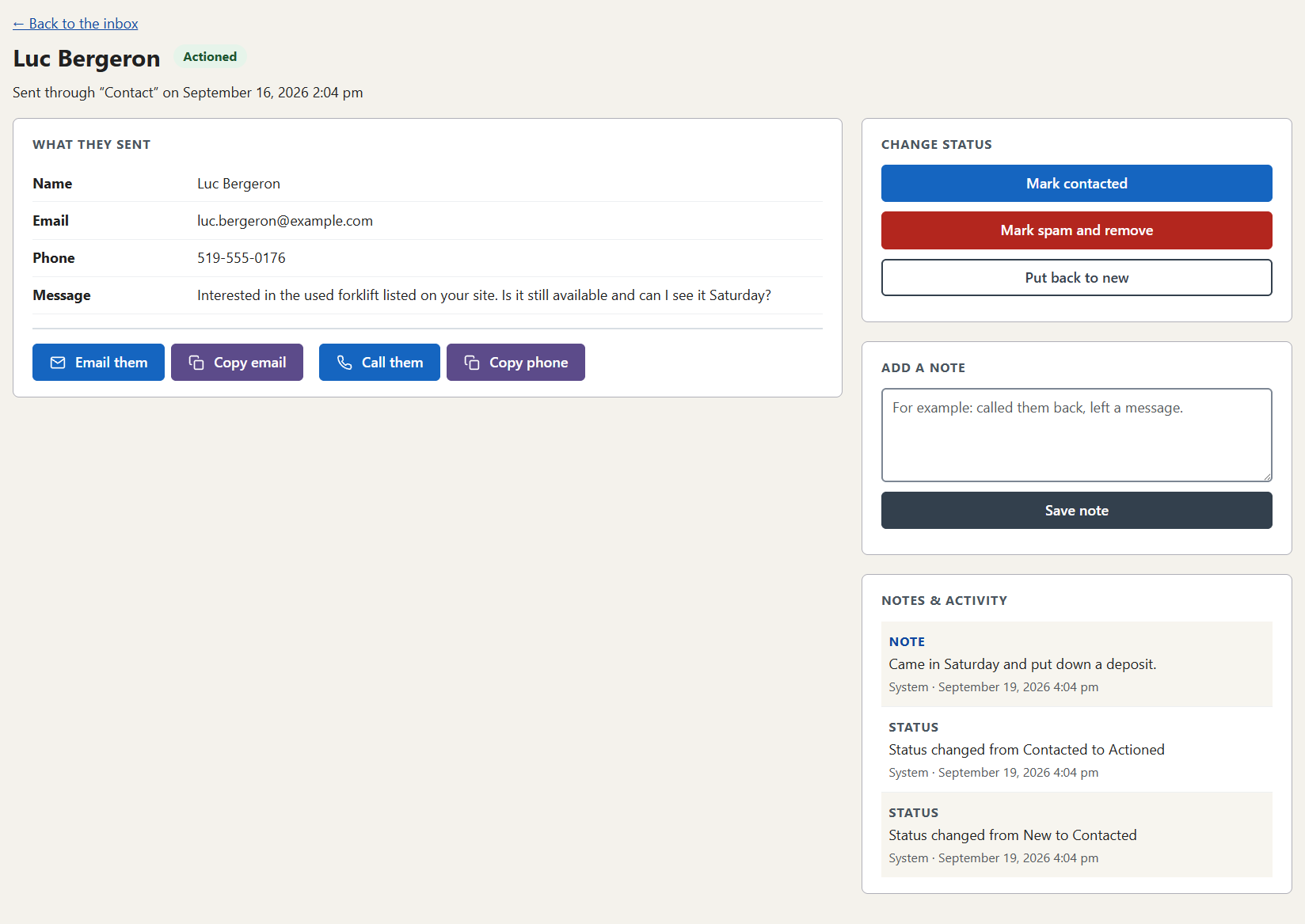
These are screenshots of LeadsBox running on this website. The people and the enquiries in them are made up. Select any screenshot to see it larger.
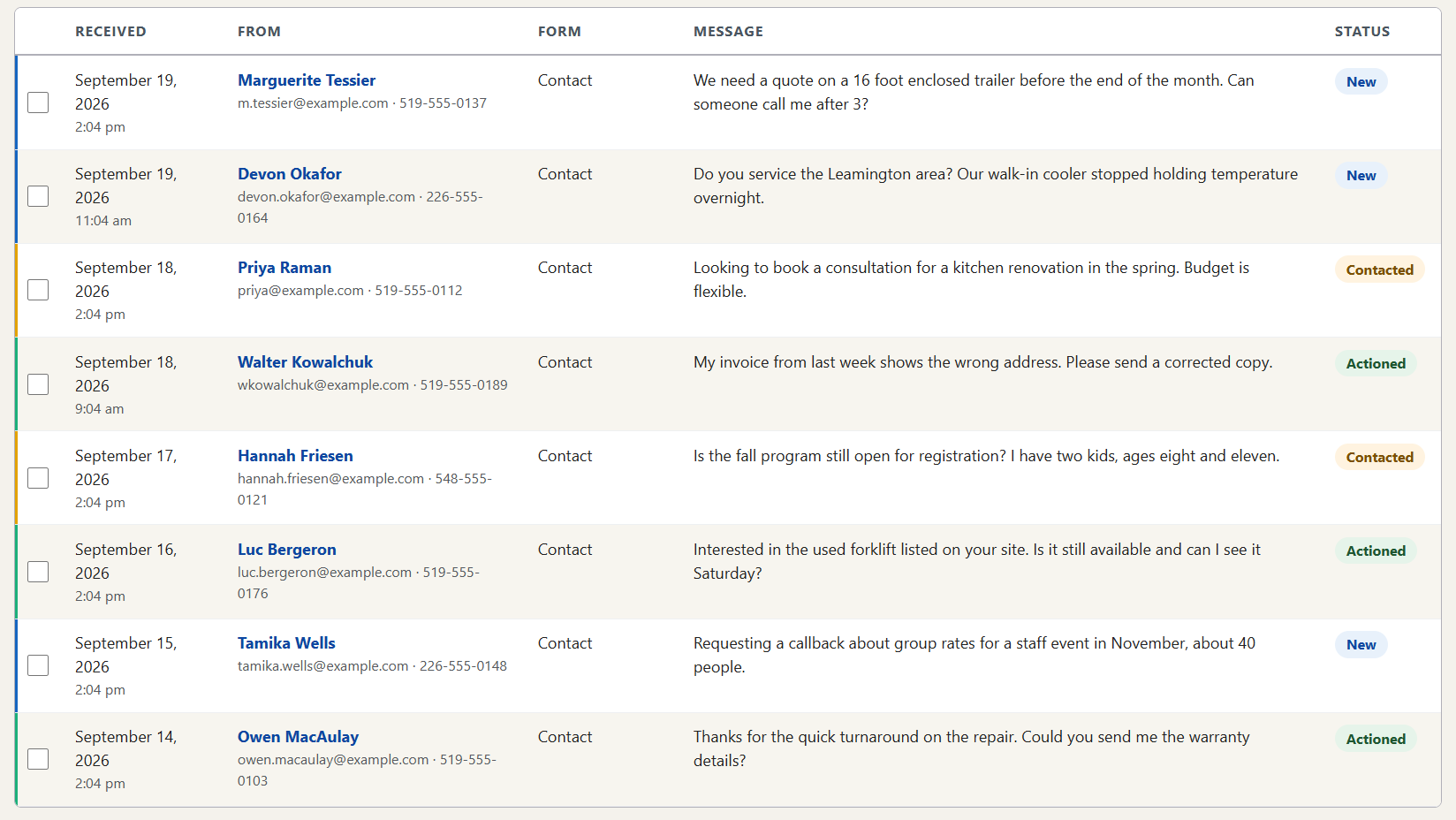
Every enquiry in one list
Newest first, with the name, the contact details, the form it came from and the start of the message. A coloured edge and a label show what’s new, what’s been contacted and what’s been actioned. Above the list you can search, filter by form or date, and change several enquiries at once.
And the text your team gets
It carries the name, the phone number and a link. The name and number in this example are made up.
Text alerts are currently available only for Canadian businesses.
New lead: Marguerite Tessier (519-555-0137). View: yourwebsite.ca/leads
See it working on a real website
Book a demo and we’ll walk you through a working inbox, from a form being filled in to the text arriving on a phone.